



The Editing Pipeline
Adult video editing follows the same basic pipeline as any video production, but with some industry-specific considerations. Here's the workflow from raw footage to final export:
Porn Work Flow
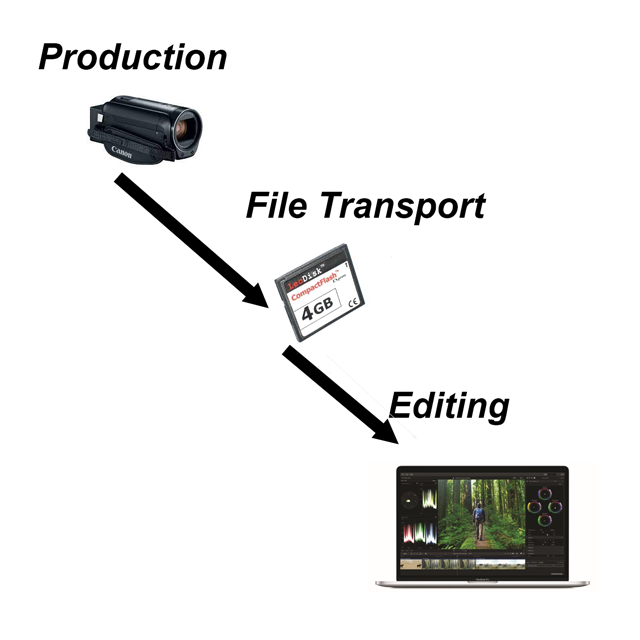
The editing workflow
1. Ingest and Organize
Before you cut a single frame, get your footage organized. Copy everything off your camera cards to a dedicated drive (never edit directly from the card). Create a folder structure for each scene: raw footage, audio, B-roll, behind-the-scenes, and exports. Label your clips by camera angle, take number, and scene. This takes 15 minutes and saves hours of hunting for footage later.
2. Assembly Cut
The first pass is rough. Lay out all your usable footage in chronological order. Cut the obvious dead spots, equipment adjustments, breaks, false starts, crew chatter. Don't worry about polish yet. The goal is to get the raw material into a timeline so you can see what you're working with.
3. Rough Cut
Now you start making editorial decisions. What angles work best for each moment? Where do you cut between cameras? What's the pacing? In adult content, pacing matters more than most producers realize, scenes that drag lose viewers, scenes that cut too fast feel disjointed. Watch your rough cut as a viewer, not as the person who shot it.
4. Fine Cut and Audio
This is where you polish. Trim transitions, smooth audio between cuts, color correct for consistency between cameras, and add any text overlays or branding. Audio work is critical here, normalize levels, reduce background noise, and make sure the audio doesn't clip during louder moments.
5. Export and Delivery
Export in the formats your distribution channels require. For your own site, H.264 or H.265 in multiple resolutions (480p, 720p, 1080p, 4K if you shot it). For tube sites, check their upload specs. Always keep a master copy at full quality.
Solo Editing vs. Team Editing
Lone Editor
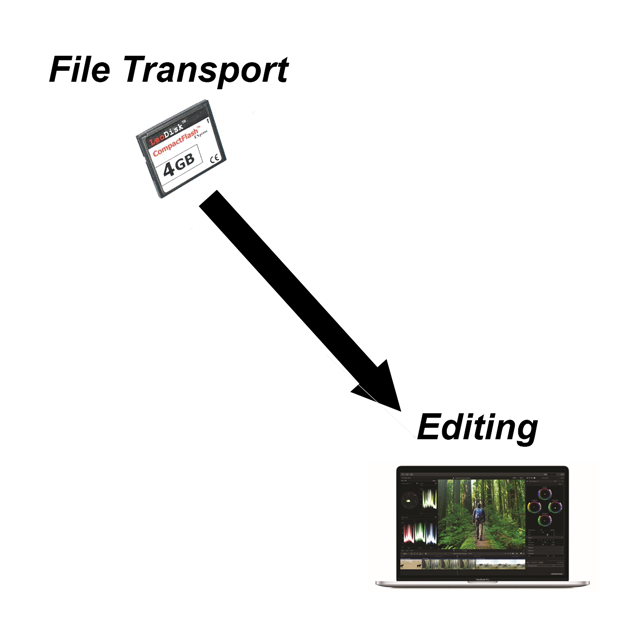
This could be you the Producer/Editor or a single person who creates start to finish.
Most independent producers edit their own content. That's fine for smaller operations, but understand what you're signing up for:
Solo editing means you're doing everything, cutting, color, audio, graphics, export. For a single scene, expect to spend 2-4x the scene length in editing time at minimum. A 30-minute scene might take 2-4 hours to edit if you're experienced, much longer if you're learning. That adds up fast if you're producing multiple scenes per week.
Team Editor

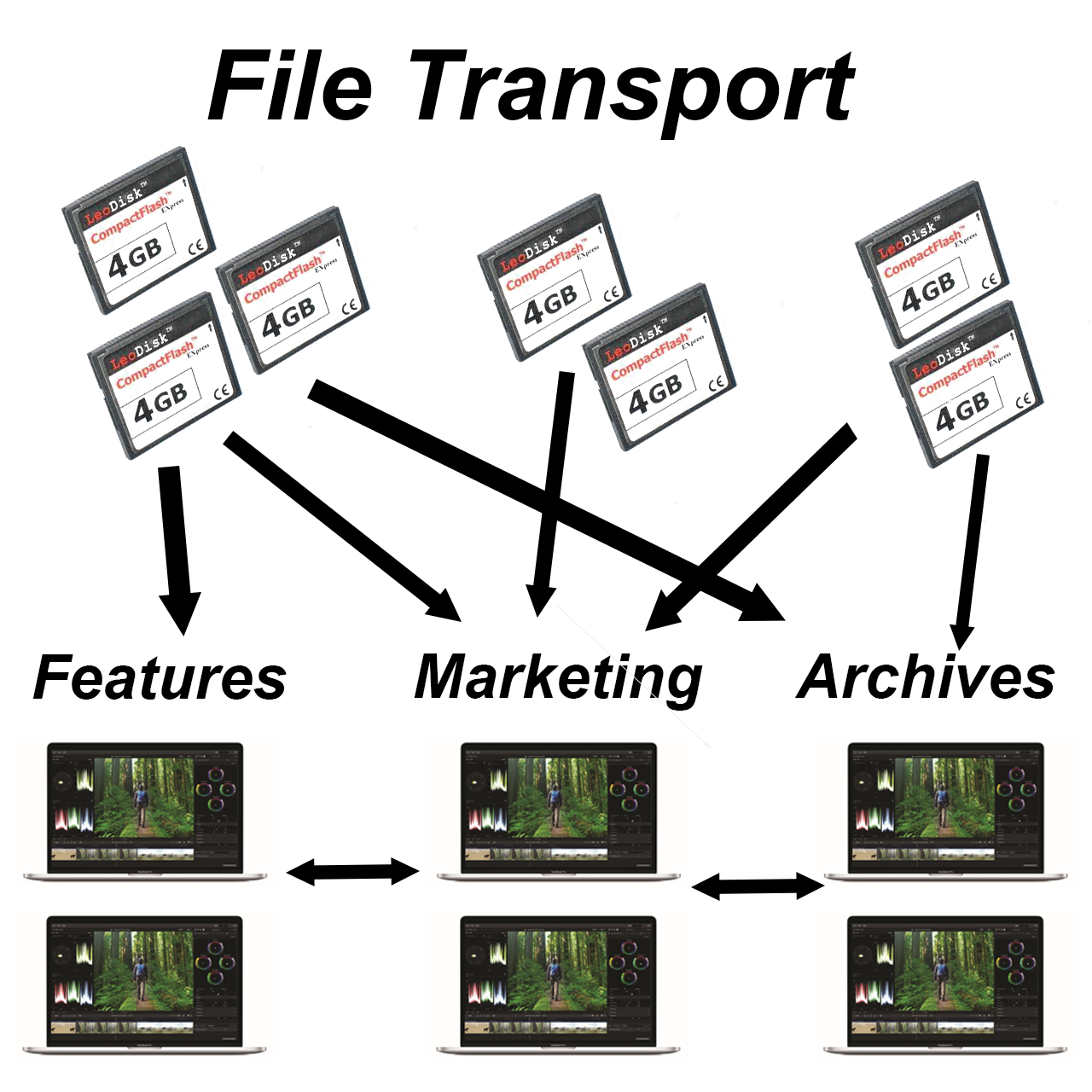
An editing team
Building an editing team makes sense when your output exceeds what one person can handle, or when the editing quality plateaus because you're rushing to keep up with your shooting schedule. Hiring an editor familiar with adult content means they understand pacing, what to emphasize, and what the audience expects. A general video editor might produce technically competent work but miss the nuances that make adult content engaging.
Editing for Different Content Types
Not all adult content gets edited the same way. The style should match the content type and platform:
Content Types
How the edit changes by content type
- Gonzo / POV: minimal cuts, natural flow, raw feel. The editing should be nearly invisible. Cut dead spots and fix audio, but don't over-produce it. The appeal is the "you are there" feeling.
- Studio / Feature: more traditional editing with planned cuts between angles, consistent color grading, branded intros/outros, and tighter pacing. This is where multi-camera coverage pays off.
- Amateur / Reality: similar to gonzo but even less polished intentionally. Viewers expect (and want) a less produced look. Don't fix things that add to the authentic feel.
- Clip store content: each clip needs to stand alone, so every clip needs its own intro context, thumbnail, and clean start/end points. Editing for clip stores means thinking of each scene as a self-contained product.
- Compilation / Highlight reels: fast cuts, music-driven pacing, the best moments from multiple scenes. These work well for marketing and promotion.
The Technical Side
Adult video editing is demanding on hardware because you're working with large, high-resolution files. Here's what matters:
Video Editing Rig
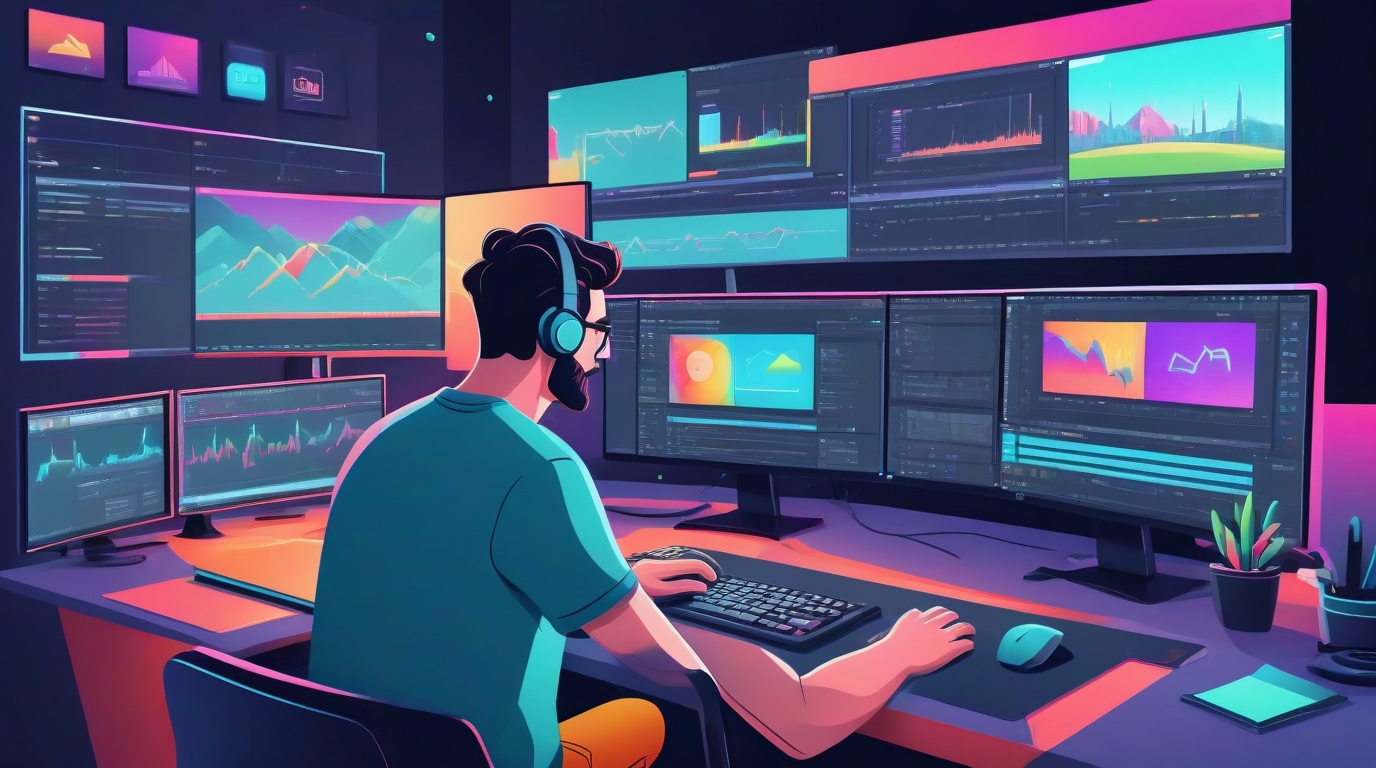
An editing workstation
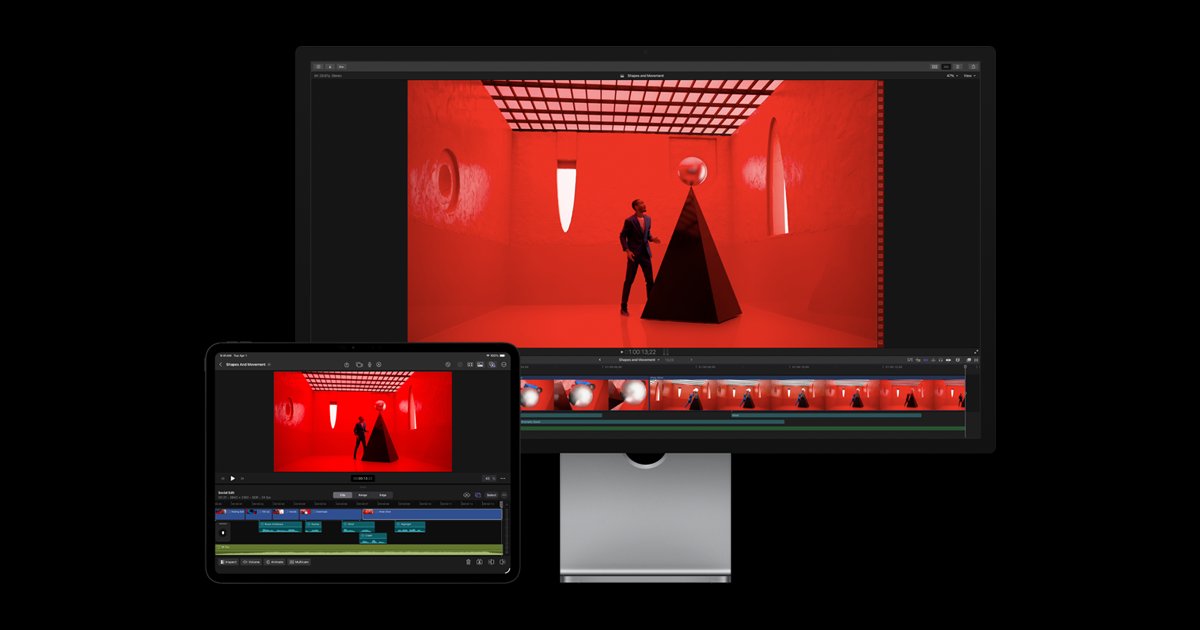
- Software: Adobe Premiere Pro and DaVinci Resolve dominate. Premiere if you're already in the Adobe ecosystem, Resolve if you want powerful tools without a subscription (the free version covers what most solo editors need).
- Hardware: A fast CPU, 32GB+ RAM, a dedicated GPU, and fast storage (SSD or NVMe) make editing bearable. Editing 4K footage on a five-year-old laptop is technically possible but miserable.
- Storage: raw 4K footage eats storage fast. Budget for multiple terabytes of working storage plus backup drives. A single shoot day can generate 100GB+ of footage easily.
- Proxy workflow: if your hardware struggles with high-res footage, create lower-resolution proxy files for editing, then swap back to the originals for final export. Every major editor supports this and it's a game-changer for editing 4K on modest hardware.
Common Editing Mistakes
- Over-editing: adding too many effects, transitions, speed ramps, or color filters. Adult content should look natural. Viewers came for the performers, not your After Effects skills.
- Ignoring audio: bad audio ruins good video. Always check audio levels, remove background noise, and normalize volume between clips. Read our full audio guide.
- No backup workflow: if your editing drive fails and you don't have backups of the raw footage, those scenes are gone forever. Follow the 3-2-1 rule: 3 copies, 2 different media types, 1 off-site.
- Inconsistent branding: if you're building a brand, every scene should have consistent intro/outro cards, watermark placement, and color style. Inconsistency looks amateur.
- Not watching the final export: always watch the exported file before publishing. Compression artifacts, audio sync issues, and render glitches happen. Catch them before your audience does.
Editing is a skill that improves with practice. Your first few scenes will take forever and the results won't match what you had in your head. That's normal. By your twentieth scene, you'll have developed a workflow, built muscle memory in your editor, and have a much better sense of pacing and what works for your audience.
Editing is one stage of building and launching an adult content site. For the full pipeline (legal, casting, production, hosting, payments and marketing), see the complete guide to making a porn site.
Where all of this ends up is determined by your CMS, upload flow, transcoding, how clips and full scenes get organized for members. If you haven't locked that choice yet, see our adult CMS comparison.
Not everyone edits their own footage. If editing is the bottleneck on how much you publish, you can hire a porn video editor or outsource the edit, that guide covers where to find editors, what it costs, and how to protect your footage and performers when you hand it off.