



How to Shoot Porn: Camera Angles, Coverage and Crew Roles

A porn shoot lives or dies on coverage. How to assign angles across cameras, adapt when the scene changes, and hand your editor footage that actually cuts.

How to Shoot Porn: Camera Angles, Coverage and Crew Roles - Make A Porn Site

Short answer: shoot for the edit. Give every camera its own job, a wide that holds the whole scene, a medium and a close, and never leave two cameras on the same angle, because duplicate footage gives the editor nothing to cut to. Agree the shot list with the director before anyone rolls, then expect performers to change it and keep covering the scene as it moves. Know the order the work travels in, producer to director to camera operator to editor, so nobody waits on a decision that was never made. Respect the boundaries the performers agreed to, keep the set quiet and the crew small, and confirm you have the reaction shots before you wrap, because tomorrow they cost a second shoot day.

If you came here for one specific thing:

Work the Angles

How should you plan camera angles when shooting porn?

When producing adult video content, it’s crucial to plan each shot with the editor’s perspective in mind. Although adult productions can sometimes appear spontaneous, a thoughtful approach to filming ensures you capture the material needed for a polished final product-one that meets industry standards and respects the performers’ comfort. Even if the content appears improvisational, the production pipeline typically follows this order: producer, director, camera operators, and then editor. Each role depends on the other to deliver a cohesive, high-quality scene.

Camera Setup
Professional camera equipment

Professional camera setup example

Having a well-coordinated camera setup is key to capturing multiple angles in one take. This saves time in post-production and gives the editor plenty of options.

Without a clear plan, one of the most common issues is having all cameras pointed at the same angle. While it might feel like you’re covering every moment by shooting continuously, redundant footage only makes the editor’s job more difficult. Instead, coordinate with the director to assign unique viewpoints to each camera-close-ups, wide shots, reaction shots, and any other angles that can add variety. This way, the editor can easily choose from a library of footage that actually tells a story, rather than reusing the same perspective from multiple sources.

In adult productions, spontaneity is often encouraged. Directors may alter the script mid-shoot or a performer might decide to take the scene in a new direction. Skilled camera operators anticipate these changes and adapt on the fly, ensuring they still maintain a variety of shots that will be useful in editing. That flexibility is vital: the editor can only work with the footage that’s actually captured. Missed moments or repetitive angles limit the final product’s potential.

Different Cameras
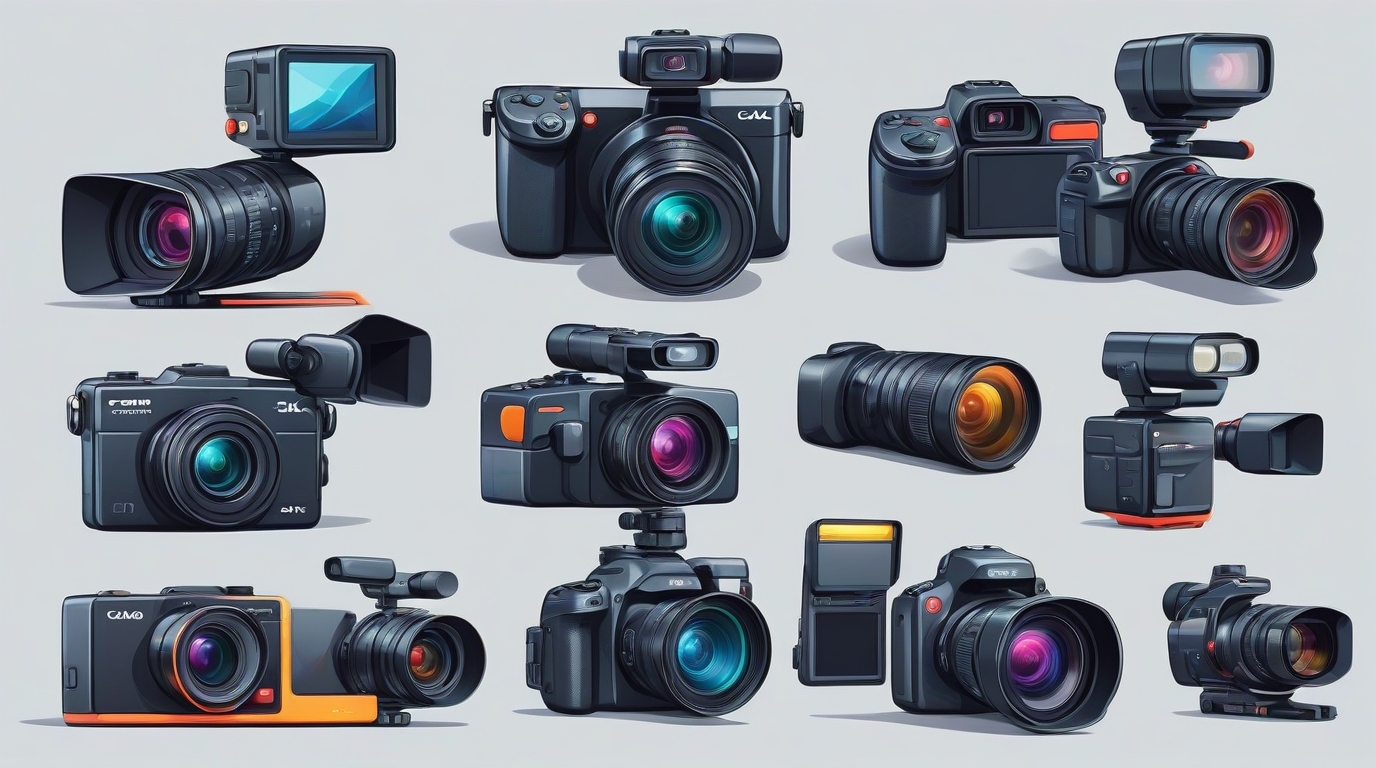
Pornsite shooting

Pornsite shooting

By capturing multiple angles (close-up, medium shot, wide shot, etc.) simultaneously, you’ll give your editor far more options during post-production.

Here are some reasons to keep the editor’s needs front and center:

  1. Varied Footage: Different angles and shot types let the editor assemble a more engaging scene, emphasizing key moments and reactions.
  2. Improved Pacing: Enough coverage allows smooth cuts that maintain the viewer’s engagement without awkward transitions or jump cuts.
  3. Flexibility in Post-Production: Directors and editors can easily rework scenes if they have multiple angles, making it possible to maintain continuity or change the scene’s pacing.

Video Editing
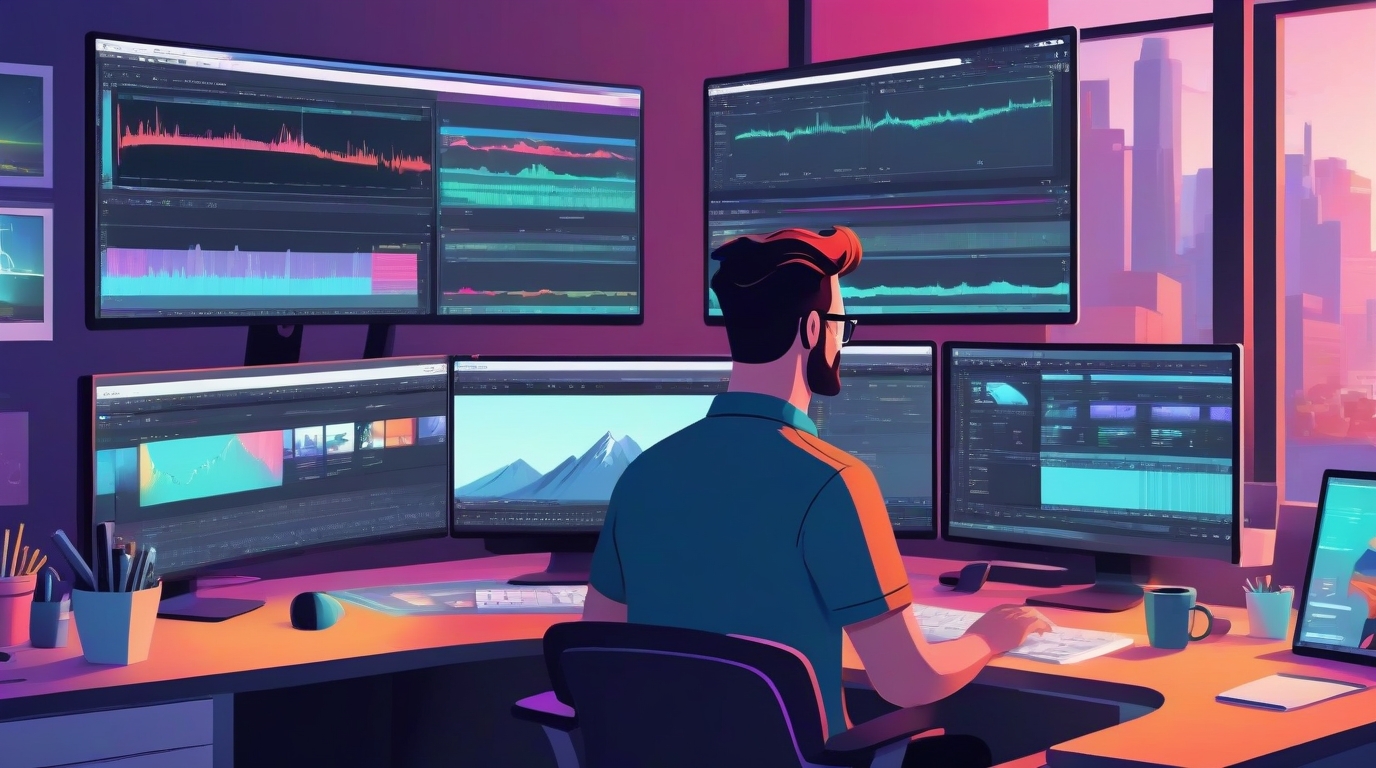
Adult Content Editing

Adult Content Editing

A well-planned shoot reduces the editor’s workload and improves overall video quality.

Respect for performers should also guide your technical decisions. Choosing lenses and angles that flatter talent promotes a comfortable atmosphere, which can enhance on-camera chemistry. Maintaining professionalism goes a long way toward ensuring everyone feels at ease, leading to better performances and higher-quality footage.

If you’re an adult content creator looking to refine your shoots, consider these tips:

  1. Assign Angles: Before rolling, plan out who covers wide shots, close-ups, or reaction shots.
  2. Stay Flexible: Be prepared to pivot if the director or performers change the scene on the spot.
  3. Over-Communicate: Constant communication between crew members ensures no pivotal moment is missed.
  4. Keep It Professional: Respect boundaries, use proper lighting, and maintain a clean set to create footage that meets industry standards.

Ultimately, capturing adult content is about more than pressing “record” at the right moment. It requires planning, coordination, and an understanding of what the editor needs. By delivering varied and well-shot footage, you’ll streamline post-production, strengthen the final product, and set your work apart in an increasingly competitive market.

A clean shoot day produces footage with somewhere to go. If the destination site doesn't exist yet, sort that in parallel, the adult website builders comparison covers the fastest routes to a working site.
Work the POV Shot

How do you shoot POV porn so the viewer feels like they are in the scene?

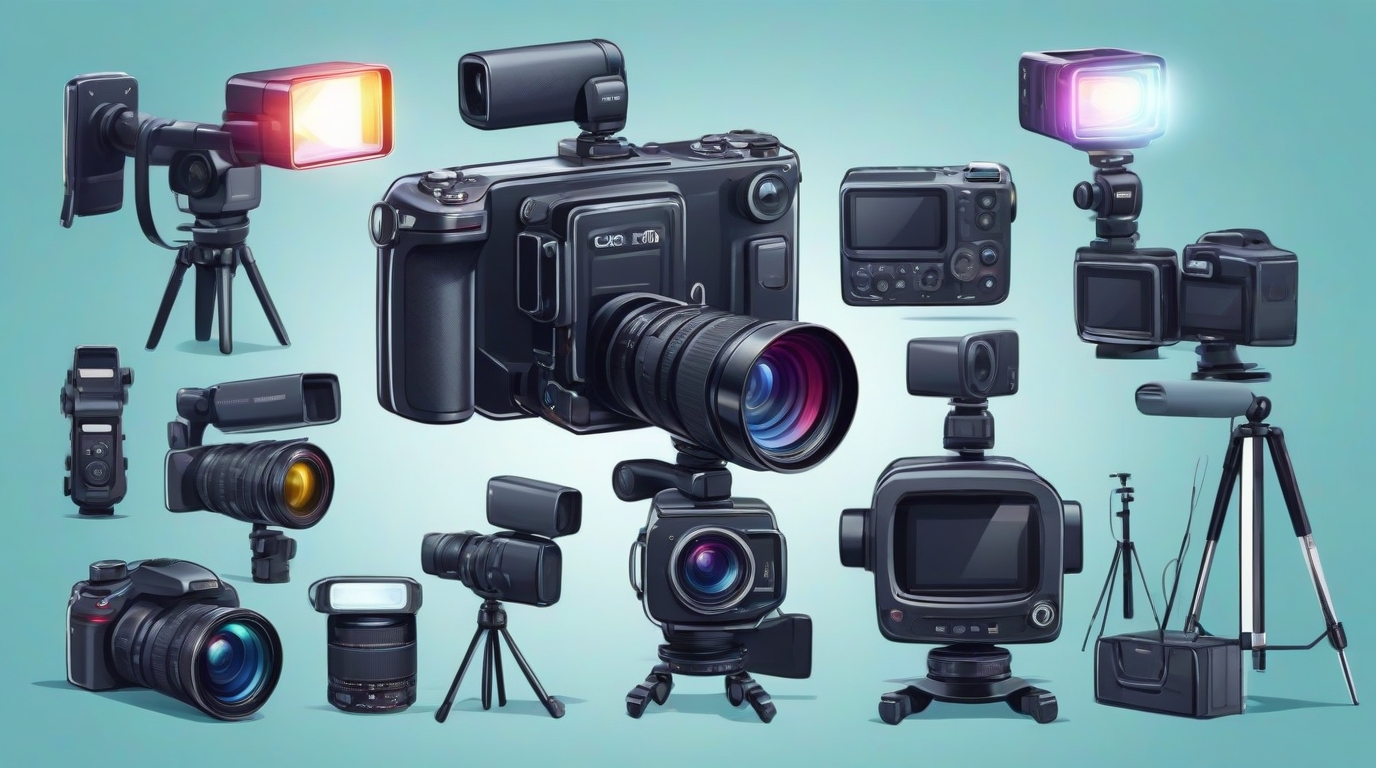
Cameras Accessories
Adult Website production camera accessories

The accessories that matter

In a POV scene the camera is the viewer's eyes. The performer looks into the lens and talks to it, and the person holding the camera stands in for the viewer's body. Done well, the viewer feels like the scene is happening to them. It falls apart when the picture shakes, when the camera sits too high or too low, or when the performer looks at the person instead of the lens.

Choose How the Camera Is Held

  • Handheld. The person in the scene holds a phone or a small camera at their own eye line. You can see the screen, so the framing is the best of the three. The cost is a busy hand and more shake.
  • Head or chest mount. A small action camera on a head strap sits right at eye level and leaves both hands free. The wearer cannot see what it sees, so check the angle before you start and again at every change of position. A chest mount shakes less but sits lower, so it shows more body and less face.
  • A second person shooting. A camera person stands just behind the performer's shoulder and shoots from their eye line. This gives the steadiest, best framed picture, but it puts one more person in the room, so both performers have to be comfortable with that.

Pick what suits each position. Switching inside one scene is fine as long as every shot keeps the same eye line. For which phone or action camera to buy, see cameras for shooting porn.

Set the Camera Up for POV

  • Use a wide lens, not a fisheye. At arm's length a normal lens shows too little. Action cameras shoot very wide, which bends straight lines and stretches faces near the edges. Turn on the setting that straightens the picture. On a GoPro it is the Linear digital lens; on a DJI Osmo Action it is Standard (Dewarp). It trims the edges a little, which is the price of faces that look normal.
  • Turn stabilization on. Phones and action cameras smooth out shake as they record. For POV it is the difference between a scene people watch and one that makes them seasick. On an iPhone, Action mode steadies the shot even more, but it records at 2.8K at most and works best in bright light.
  • Lock focus and exposure. A phone hunts for focus when a face comes close, and the brightness pumps as skin fills the frame. On an iPhone, tap where you want the focus, then touch and hold that spot until AE/AF Lock appears.
  • Shoot 4K at 30 or 60 frames per second. 4K leaves room to crop and to steady the shot again in the edit. 60 frames looks smoother when the camera moves, and it lets you slow a moment down.
  • Start full. 4K at 60 fills storage and drains batteries fast. Start every scene with empty storage and a full battery, and keep a power bank in reach.

Frame It Like the Viewer Is There

  • Keep the lens at the POV performer's eye line. Any higher or lower breaks the effect.
  • Keep the other performer's face in the top third of the frame, and leave room above their head as they come closer.
  • Move slowly. Turn the head or the body, not the wrist. Fast moves look like shake even with stabilization on.
  • Keep the horizon level unless the tilt is on purpose.
  • Hands in the frame help the effect. Check the edges for anything else, like knees, feet or a camera strap.

Direct the Performer to the Lens

Eye contact with the lens is what makes POV work. Before you roll, tell the performer to look into the lens, not at the face of the person holding it. They should talk to the camera as if it were the viewer. A small piece of tape next to the lens gives them a target.

Agree on the positions and the limits before you start, the same as any scene. The person holding the camera is in the scene too. If their body is on screen during sex, they are a performer for record keeping, with the same ID and paperwork as everyone else. See consent on set for the rest.

Light the Face, Not the Lens

Light from where the viewer is: behind the camera and a little above it, so the performer's face is lit as they look into the lens. A small LED panel on a stand behind the POV performer's shoulder does the job. Watch for the shadow of the person holding the camera on the other performer, and move the light to one side until it clears. A light on the camera is the easy fix for handheld shots. Keep it soft and low, because a bright light in the eyes makes eye contact hard to hold. More in lighting a scene that moves.

Get Both Voices

The camera's microphone sits next to the POV performer's mouth, so their voice comes out loud and the other performer sounds far away. Put a clip-on wireless mic on the performer facing the camera. Kits like the Rode Wireless GO (Gen 3) and the DJI Mic 3 connect straight to a phone. The POV performer should speak less, and more quietly, than feels natural. A clap at the start lines the sound up in the edit. More in microphones and clean sound.

Keep a Wide Shot Running

A scene shot only in POV has nothing to cut to when a shot shakes or a change of position goes wrong. Put a second camera on a tripod for a wide shot of the whole bed. It gives the editor a way out, and a clean way to show the move to the next position. It is the same coverage rule as above, applied to POV.

Editing POV Footage

Cut less than you would in a normal scene. Long takes keep the viewer inside the scene, and every cut reminds them there is a camera. If a shot still shakes, steady it again in the editor; a 4K shot cropped to 1080p leaves room for that. The rest is in editing the footage you shot. VR is POV by nature, and editing it has its own rules: see clipping and editing VR porn.

POV Checklist

  • Pick handheld, a head or chest mount, or a second person shooting for each position.
  • Wide lens with the fisheye straightened, stabilization on, focus and exposure locked.
  • Lens at the POV performer's eye line, and slow moves.
  • The performer looks into the lens, not at the person holding it.
  • Light from behind the camera, with no shadow on the performer.
  • A wireless mic on the performer facing the camera.
  • A wide shot on a tripod for the editor.
  • ID and paperwork for everyone whose body is on screen, including the person holding the camera.

Checked October 2026.

Aputure

★★★★★9.2
Visit

Rode

★★★★★8.8
Visit
GO

Godox

★★★★★8.0
Visit
SE

Sennheiser

★★★★★9.0
Visit
SM

SmallRig

★★★★★8.5
Visit