

The Two That Matter: Premiere Pro vs DaVinci Resolve
Let's cut through the noise. There are dozens of video editing programs out there, but in professional and semi-professional adult production, two dominate the landscape:
Adobe Premiere Pro
Cost: about $23/month for Premiere alone on an annual plan, or $69.99/month for Creative Cloud Pro, Adobe's full app bundle (adobe.com, October 2026)
Premiere Pro is the industry standard for a reason. Most professional production companies use it, most hired editors know it, and it integrates seamlessly with After Effects (motion graphics), Audition (audio), and Photoshop (thumbnails and graphics). If you're hiring an editor, they almost certainly know Premiere.
Strengths:
- Industry standard, largest talent pool of editors who know it
- Deep integration with other Adobe tools
- Excellent multi-cam editing for multi-angle shoots
- Huge library of tutorials, templates, and plugins
- Regular updates with new features
- Robust export presets for every delivery format

- Subscription model, you're on Adobe's monthly hamster wheel forever. Stop paying, lose access.
- Resource hungry, needs solid hardware to run smoothly, especially with 4K footage
- Can be unstable with large projects, save often
- Overkill if you're doing simple cuts on straightforward content
DaVinci Resolve
Cost: Free (full version) or $295 one-time for DaVinci Resolve Studio
DaVinci Resolve is the industry disruptor, and for good reason. The free version is not a crippled trial, it's a genuinely full-featured professional editor that does most of what the paid Studio version does. Blackmagic Design, the company behind it, sells cameras and hardware and gives the base editor away free. This is the go-to recommendation for anyone who doesn't want a subscription.
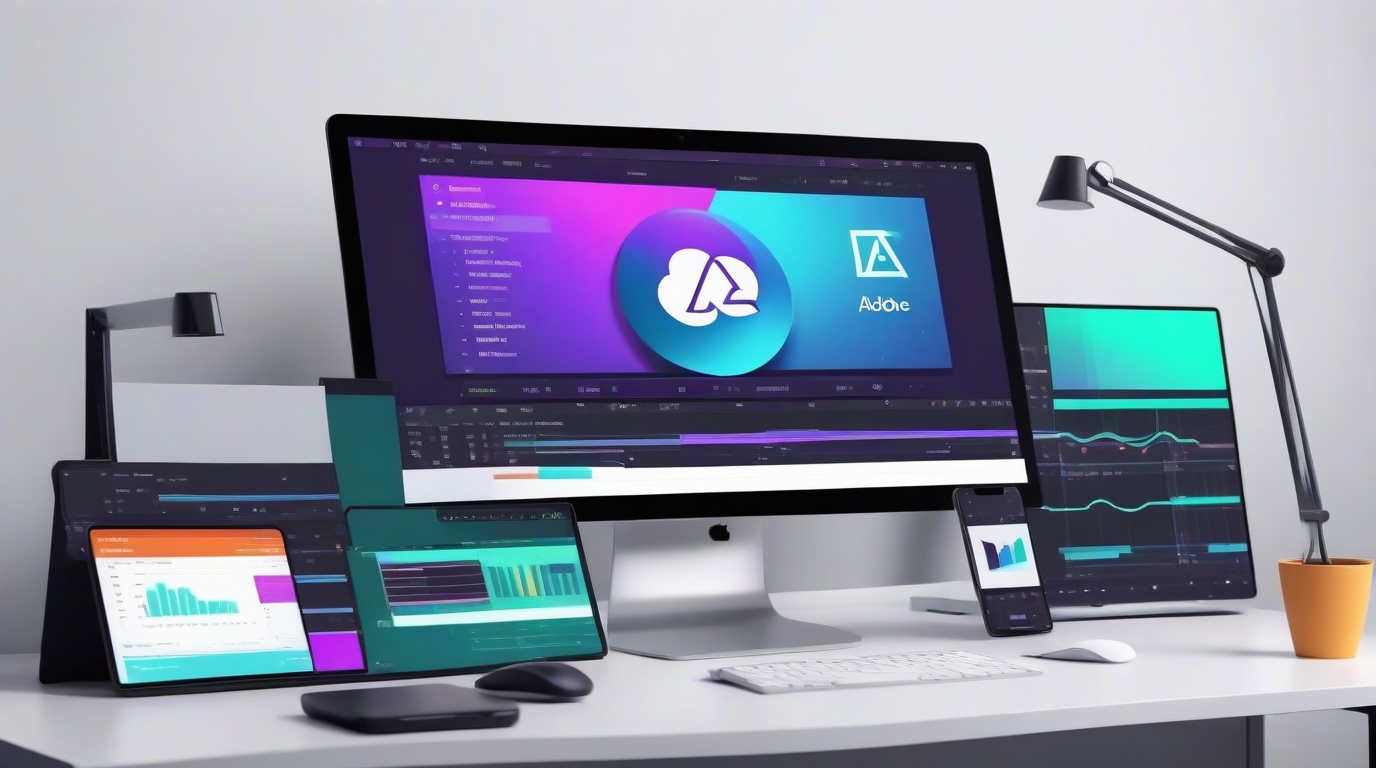
- Free version is incredibly capable, most producers will never need to upgrade
- Best-in-class color grading (it started as a color grading tool for Hollywood)
- Built-in audio editing (Fairlight), visual effects (Fusion), and color grading in one app
- One-time purchase for Studio if you do want extra features, no subscription
- Handles 4K and high-bitrate footage well
- Growing fast, more tutorials and community resources every month
Weaknesses:
- Steeper learning curve than Premiere, especially for the color and Fusion pages
- Fewer third-party plugins and templates (though this is improving)
- Some advanced features (noise reduction, HDR, multi-GPU) are Studio-only
- Hired editors are less likely to know Resolve than Premiere (though this is changing)
Which One Should You Use?
Use Premiere Pro if: You're running a production company with hired editors, you already use other Adobe tools, or you need maximum compatibility with industry workflows. The subscription cost is a business expense.
Use DaVinci Resolve if: You're editing yourself, you're starting out and don't want to commit to a subscription, you care about color grading, or you don't want a subscription. Start with the free version, you can always upgrade later.
Before you pick, read what each editor's license says about adult work: the license audit.
Other Options Worth Knowing About
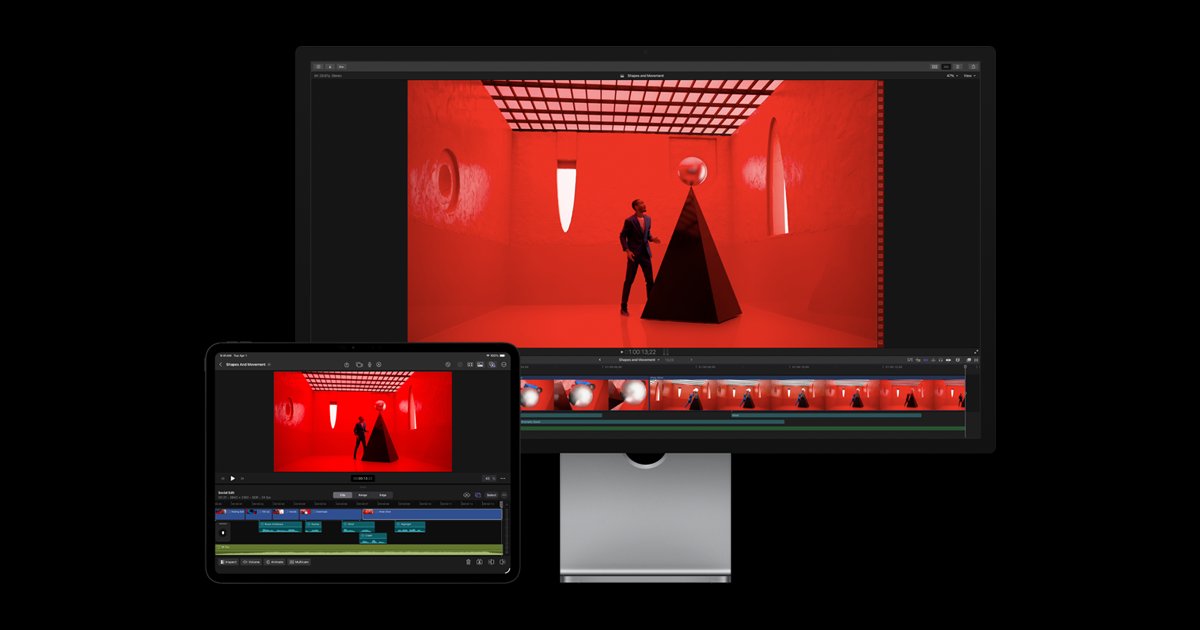
- Final Cut Pro ($299.99 one-time, Mac only), Apple's professional editor. Fast, polished, and great on Mac hardware. Popular with solo editors who work exclusively on Mac. No subscription, but you're locked into the Apple ecosystem.
- VEGAS Pro (one-time purchase or subscription): has a loyal following, especially among content creators who learned on older versions. Straightforward timeline editing without the complexity of Premiere or Resolve.
- CapCut (free): capable for quick social clips, but its terms prohibit pornographic content in its cloud features. Cut only safe-for-work teasers in it, and keep explicit footage out of its cloud.
- iMovie (free, Mac/iOS), Basic but functional. If you're literally just starting out and want to learn the concepts before investing in real software, iMovie teaches you the fundamentals without overwhelming you.

AI Editing Tools: What They Do Today

What AI Can Do for Adult Video Editing Right Now
- Auto-cut and scene detection: AI tools can analyze footage and automatically identify scene changes, cuts, and usable segments. What used to take hours of scrubbing through raw footage can be reduced to minutes. Premiere Pro's Scene Edit Detection and Resolve's AI-based cut detection both handle this.
- Audio cleanup: AI noise reduction, such as Adobe's Enhance Speech, can clean up on-set audio that would have been unusable five years ago. Adobe's content rules cover what you send through its online services, so keep explicit audio off Adobe's web tools. Background noise, echo, HVAC hum, AI handles it dramatically better than traditional noise reduction.
- Auto-reframing: shot your scene in landscape but need a vertical clip for social media? AI reframing tools automatically track the action and crop the frame. Premiere has Auto Reframe built in, and Resolve's Smart Reframe is in the paid Studio version. Saves you from manually keyframing every clip.
- Color matching: AI can match color grades across clips from different cameras, different lighting setups, or different times of day. Resolve's color matching is particularly strong here.
- Thumbnail and preview generation: AI tools can scan through your footage and suggest the most visually interesting frames for thumbnails and preview images. Saves time when you're creating promotional material for dozens of scenes.
- Transcription and subtitling: AI speech-to-text can auto-generate subtitles for your content. Accessibility matters, and some platforms and regions require captioning. Premiere's built-in transcription does this inside the editor.
What AI Can't Do (Yet)
AI isn't replacing editors. It's handling the tedious, repetitive parts of the workflow so editors can focus on the creative decisions, pacing, timing, shot selection, and the overall feel of the final product. You still need a human eye (or your own eye) on the final cut. AI doesn't understand tone, pacing, or what makes a particular scene work. It's a tool, not a replacement.
Standalone AI Tools Worth Watching
- Topaz Video: upscaling and enhancement that renders on your own computer. It can take older SD footage up to HD or 4K with surprisingly good results, which can give a back catalog new life. Its shareable links bar pornographic content, so send finished files some other way.
What Actually Matters for Editing Adult Content
Regardless of which software you choose, here are the features that matter most when editing porn specifically:
- Multi-cam support: if you shoot with multiple cameras (which you should for anything beyond basic content), you need an editor that handles multi-cam syncing and switching efficiently. Premiere and Resolve both excel here.
- Fast export times: adult producers export a lot of files: full scenes, clips, previews, trailers, different resolutions for different delivery platforms. Export speed matters when you're rendering dozens of files weekly.
- Proxy workflow: 4K raw footage is massive. Proxy editing lets you edit with lightweight files and swap in the full-resolution originals for final export. This is essential if your editing hardware isn't top-of-the-line.
- Batch export presets: set up your standard export settings once (resolution, codec, bitrate for your site) and apply them to every project. Saves time and ensures consistency.
- Audio editing: see the audio production page for on-set recording, but your editor needs at least basic audio tools for cleanup, level adjustment, and syncing external audio. Resolve's built-in Fairlight is excellent for this.

Software is one of the tooling decisions that compound across every project. For the broader make-a-porn-site pipeline that editing fits into, see the complete guide.
Whatever you cut in, the output lands in a CMS that has its own opinions about formats, file sizes, and upload workflow. If you're still choosing that side of the stack, start with our adult CMS comparison.
Choosing software only matters if you're editing yourself. If you'd rather pay someone, see adult video editing services for how to hire a porn video editor, the pricing models to expect, and when outsourcing beats doing it in-house.